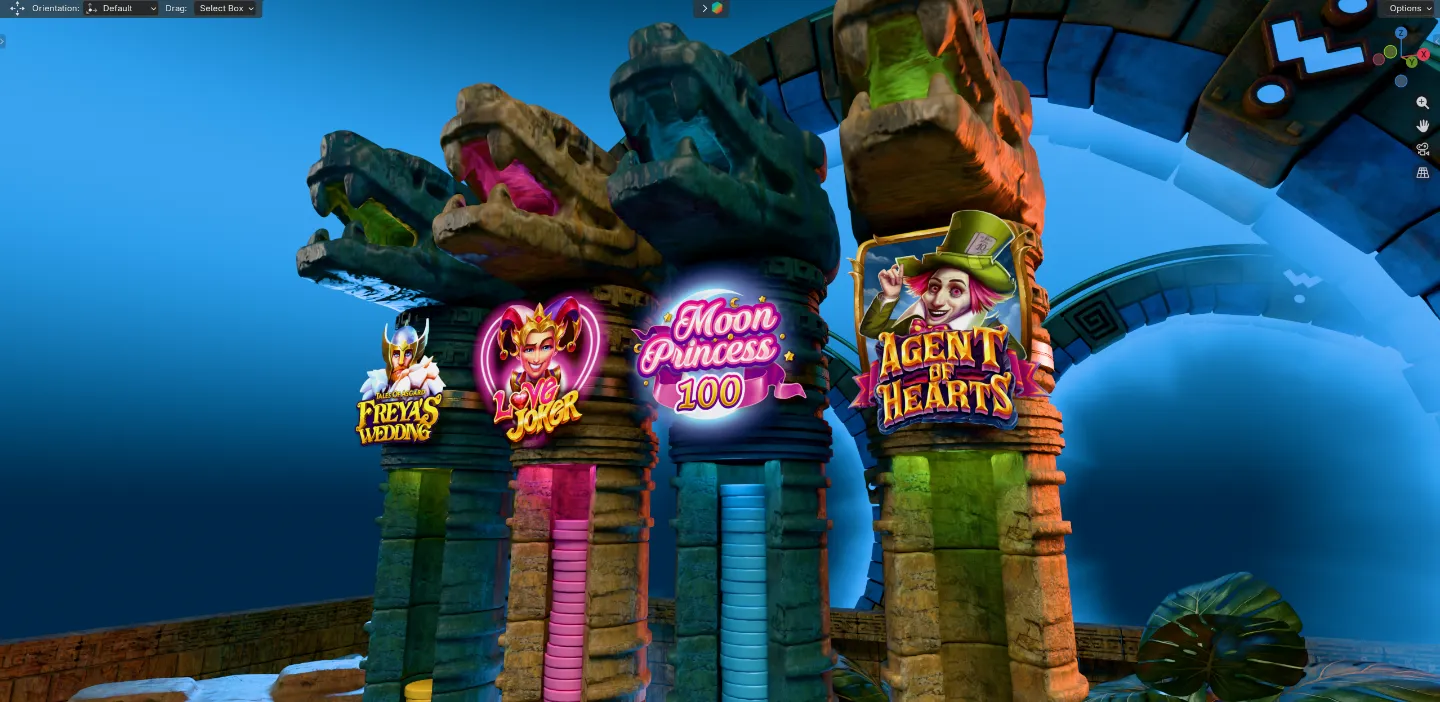
Wunderino Valentine’s Raffle Instagram Video
A short Instagram video created for Wunderino’s Valentine’s Raffle campaign, combining 3D animation, branded slot-game visuals, AI-assisted asset creation, and post-production editing into a polished social media piece.
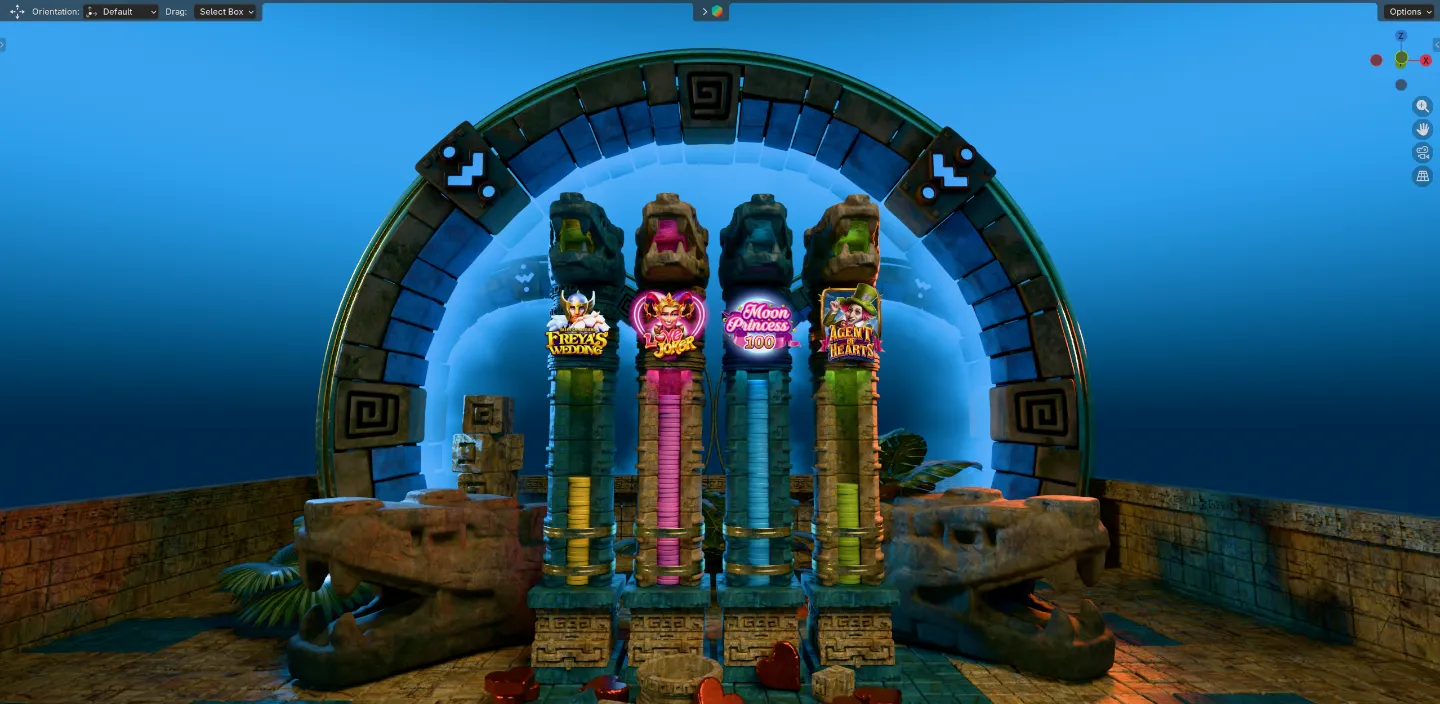
For this project, the brief was to create a short Instagram video for Wunderino’s Valentine’s Raffle campaign, with a visual direction inspired by a coin drop / Plinko-style mechanic.
The project started with AI-assisted concept exploration before moving into a practical 3D production workflow.
The video needed to feature four vertical columns, each representing a different slot game, with coins falling into the columns to communicate the campaign mechanic. The brief also specified the featured games and the final coin distribution logic, with Love Joker and Moon Princess 100 receiving the most coins overall.
I initially explored a few concept directions using AI to see whether any of the ideas could inspire a stronger visual route. One concept stood out, but it was not quite suitable for the mechanics I wanted to create in the final video. I adapted the idea into something more practical and achievable in 3D, while still keeping the overall mood aligned with the brand and campaign theme.
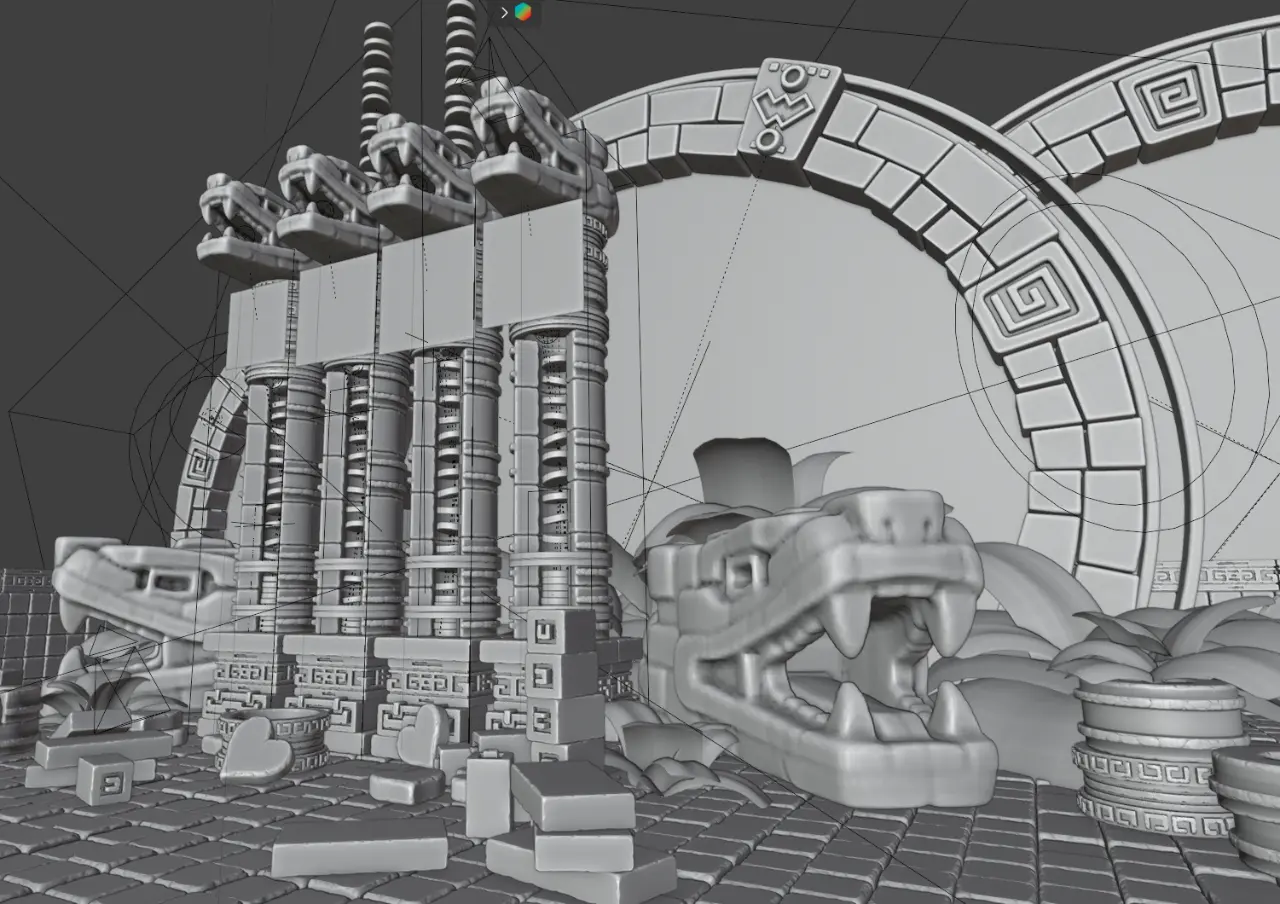
The final direction used a Mayan / Aztec-inspired scene, with four sculptural columns acting as the main structure for the coin-drop mechanic. To support the theme, I wanted to include a snake-head detail that felt consistent with the visual language. I used AI-assisted 3D generation to create an initial snake-head model from an image, then brought the model into Blender for cleanup, refinement, and material assignment.
The rest of the scene was created manually in Blender, using a combination of new work and pre-made assets from an existing brand asset library. This allowed me to move faster while still maintaining control over the composition, lighting, camera angles, and overall visual quality.
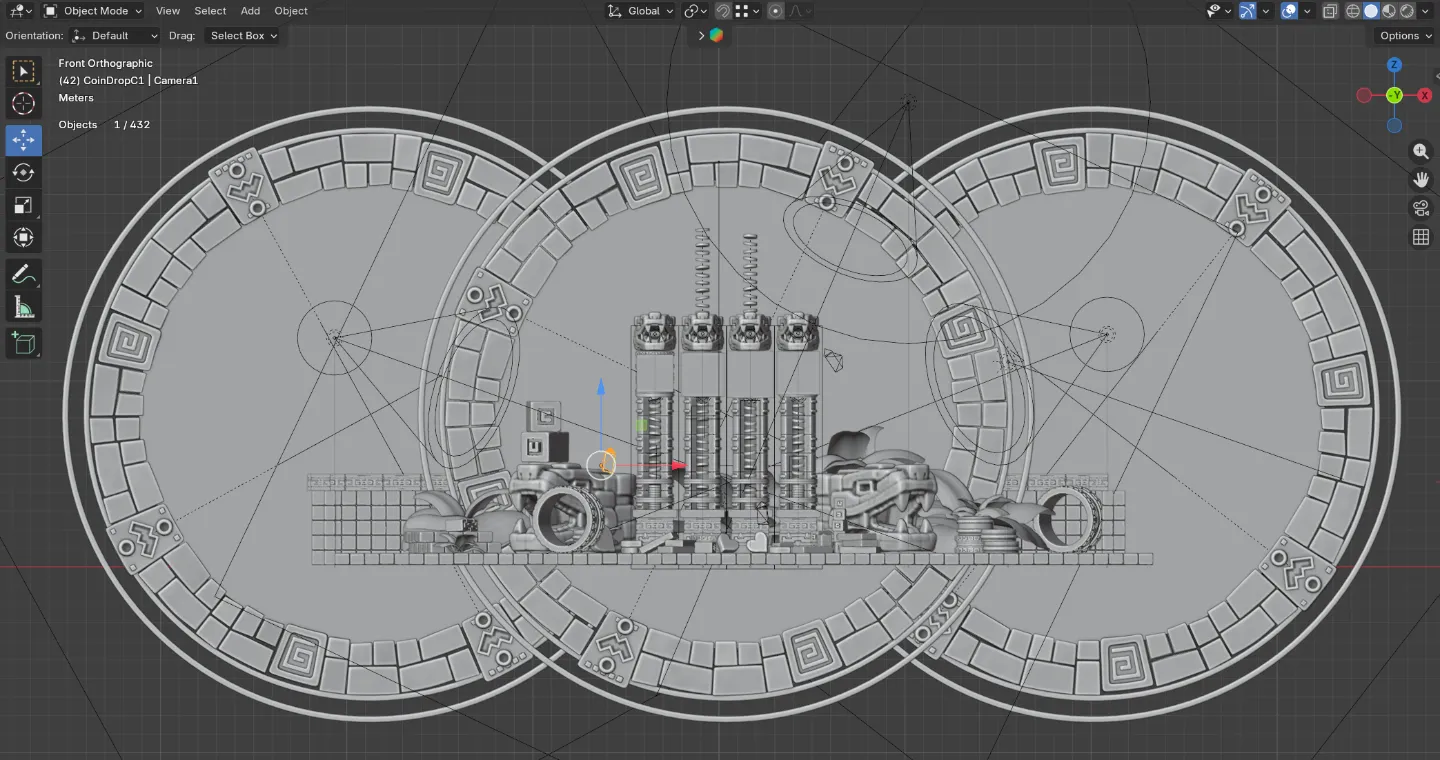
The video was built as a sequence of multiple shots, rendered separately and then edited together in DaVinci Resolve. For speed and efficiency, I used a render farm for some of the heavier scenes, allowing me to continue working on editing, timing, colour correction, overlays, music, and the final end screen.
Process Summary
The project started with AI-assisted concept exploration before moving into a practical 3D production workflow. Once the creative direction was defined, I built the scene in Blender, refined the generated snake-head asset, arranged the slot-game columns, animated the coin-drop mechanic, and created several camera shots for the final edit.
The final video was assembled in DaVinci Resolve, where I handled the edit, colour correction, overlays, music, and end screen.